Website vs Web App vs Mobile App: Choosing the Best for Your Business
~ By Zubin Souza
Updated
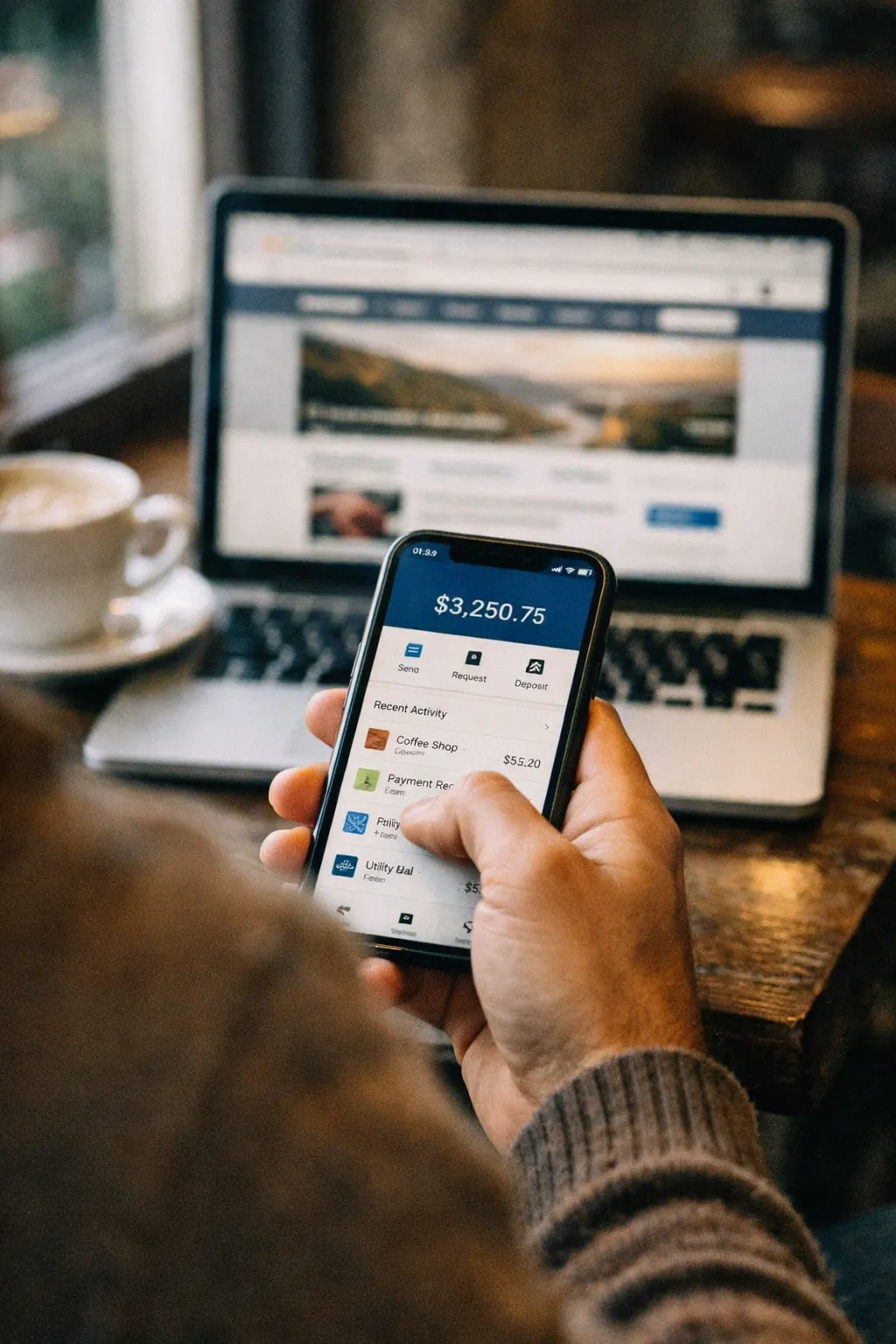
Plenty of businesses that ask for "an app" need one of three quite different things. A website tells people who you are and gets them to call, book or buy. A web app is software people sign in to and use in a browser. A mobile app lives on their phone and earns its place there by being opened often.
Picking the wrong one is expensive. Build a mobile app when a website would do and you pay for two app stores and two sets of updates, for something few people install. Build a website when your customers need to sign in and get work done and you end up bolting on features until it buckles. This guide covers what each one is good at, what it costs to keep running and the questions that settle the choice.
The Short Answer
| Aspect | Website | Web app | Mobile app |
|---|---|---|---|
| Main job | Be found, explain, win enquiries | Let users sign in and get work done | Frequent use on the phone |
| How people get it | Search, links, ads | A link and a login | A download from App Store or Google Play |
| Shows up on Google | Yes: that's its strength | Only its public pages | Only its store listing |
| Works offline | No | Partly, if it's built for it | Yes, if it's built for it |
| Phone features (camera, GPS, alerts) | Few | Some | All of them |
| Updates | Instant | Instant | Store review, then users update |
| Relative cost to build and run | Lowest | Medium to high | Highest, more so for two platforms |
Websites: For Being Found and Trusted
A website is the right answer when the main job is winning new customers. Service firms, manufacturers, hotels, clinics and consultancies mostly sell before anyone signs in to anything: someone searches, lands on a page, reads and gets in touch.
What a website does well:
- Search. Every page can rank for what your customers type into Google. The screens inside an app can't.
- No friction. Anyone with a browser can open it in a second. No download, no account.
- Low running cost. One codebase, instant updates and cheap hosting.
Where it stops: a website isn't built for repeat, signed-in work. Once you're adding customer accounts, dashboards, order history and user roles, you're building a web app. Calling it a website doesn't change that. If your WordPress site is starting to creak under that kind of load, read when to move from WordPress to a custom web application.
Web Apps: Software in the Browser
A web app is software your customers or staff sign in to: a customer portal, a booking system, a dealer ordering tool, an internal dashboard or a SaaS product. It runs in the browser on any device. There's nothing to install and every user always has the latest version.
What a web app does well:
- One build for every screen. Desktop, tablet and phone all use the same product.
- Instant releases. Fix a bug at lunch and everyone has the fix that afternoon. No store review.
- Desk work. Data entry, reports, approvals and admin are easier on a big screen.
A modern web app can also be installed on the home screen as a progressive web app (PWA). It can work partly offline and send push notifications on Android and on recent iPhones. For many businesses that covers most of what they wanted from a mobile app, for much less money.
Where it stops: background location, Bluetooth devices, heavy camera use and anything that must keep running while the phone is locked work better in a native app. Some of it only works there. A web app's private screens also don't show up in Google. It still needs a website or public pages in front of it.
Our web app development page covers how we build them. For budgets, see how much a web application costs in 2026.
Mobile Apps: For Frequent Use on the Phone
A mobile app earns its place when people open it often, usually on the move. Think field sales teams taking orders, delivery staff, patients booking repeat visits, loyalty schemes and anything that leans on the camera, GPS or notifications.
What a mobile app does well:
- Coming back. An icon on the home screen and push notifications bring people back without an email.
- Phone features. Camera, GPS, Bluetooth, face and fingerprint login and offline storage all work fully.
- Feel. A well-built app scrolls, swipes and loads more smoothly than a website on the same phone.
What it costs you:
- Two platforms. iPhone and Android. Cross-platform tools like Flutter and React Native let one team build both from one codebase, which cuts the cost a lot. See Flutter vs React Native for how to choose.
- Store rules and fees. Apple charges $99 a year for a developer account and Google Play a one-time $25. Both stores review your app before it goes live. Both also take a cut when you sell digital goods inside the app.
- Getting installed. Every user has to find your app, download it and keep it. If people will only use it once or twice a year, most won't bother.
For numbers, read how much it costs to build a mobile app in 2026. For what the work looks like stage by stage, see our mobile app development process.
Five Questions That Settle It
- How do new customers find you? If the answer is search, you need a website first, whatever else you build.
- Do users need to sign in and do work? Then you need a web app (or a mobile app with a proper backend behind it).
- How often will one person use it? Daily or weekly use can justify a mobile app. Monthly use rarely does.
- Does it need the phone's hardware? Barcode scanning, location tracking, Bluetooth devices or offline work in the field point to a mobile app.
- How often will it change? If prices, products or rules change every week, a web app's instant releases save a lot of pain.
Common Combinations
You often don't have to pick just one. These are the patterns that work:
- Website plus web app. A marketing site that ranks and wins enquiries, with a customer or dealer portal behind a login. Many B2B businesses end up here.
- Web app first, mobile app later. Launch in the browser (installable as a PWA), learn what people actually use, then build a mobile app for the parts that need it. Our MVP guide explains why this is usually the cheapest way to test an idea.
- Website plus mobile app. The website wins the customer and the app keeps them. Common in retail, hospitality and healthcare.
All three can share one backend: the same customers, orders and data whichever screen they come in through. Plan it that way from the start and adding a second front end later is a project, not a rebuild.
Where to Start
Start with two things: how your customers will find you and what they need to do once they have. Then write down the three things a user must be able to do on day one. That list usually makes the answer obvious.
If it doesn't, tell us what you're planning. We'll tell you which of the three fits, what to build first and what can wait.