Still on PHP 7? A PHP 8 Upgrade Plan, Timeline and Cost
~ By Zubin Souza
24 October, 2026
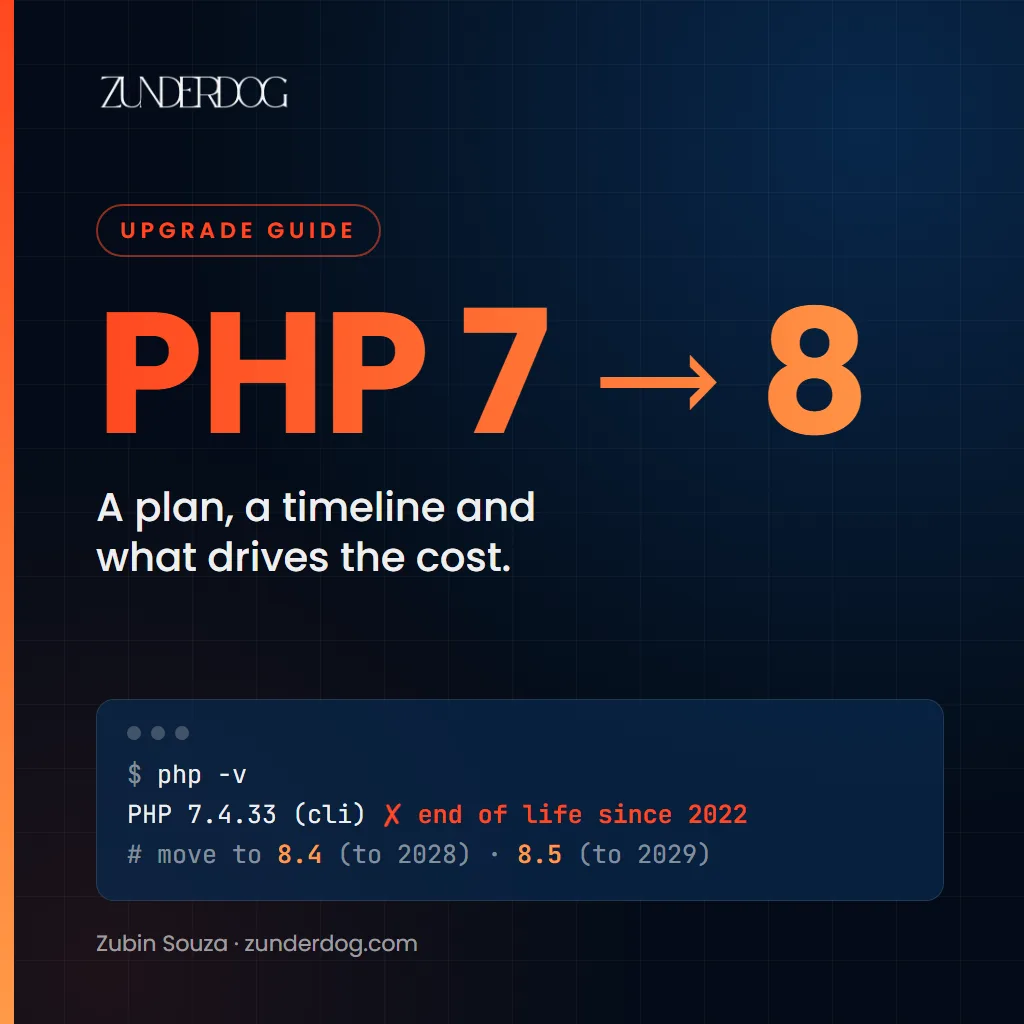
PHP 7.4 got its last security fix in November 2022. PHP 8.0 followed in November 2023 and PHP 8.1 on 31 December 2025. If your app still runs on any of them, every new PHP flaw is one you may have to live with. You'd have company: W3Techs (opens in a new tab) finds more than a quarter of PHP websites still on PHP 7.
PHP2Shell made that real. When the PHP team fixed two critical flaws on 21 October 2026, it shipped new releases only for PHP 8.2 to 8.5. For 7.4, 8.0 and 8.1 it published source-code patches for people who build PHP themselves and told everyone else to ask their vendor or upgrade. Many Linux vendors and hosts did ship patched builds of old versions this time. That's a kindness in an emergency, not a support plan. Nothing promises it'll happen next time. (If you haven't patched yet, start with my PHP2Shell guide and come back.)
I run Zunderdog, a software company. A major chunk of my career went into banking and payment systems: State Bank of India's core banking system as an engineer at TCS, then eBay and PayPal. Upgrades like this are some of the least glamorous work in software and some of the most valuable. Here's how I'd plan one.
Which PHP Versions Are Still Supported?
| PHP version | Security fixes until | Status on 24 October 2026 |
|---|---|---|
| 7.4 | 28 November 2022 | End of life |
| 8.0 | 26 November 2023 | End of life |
| 8.1 | 31 December 2025 | End of life |
| 8.2 | 31 December 2026 | Security fixes only, ending in about ten weeks |
| 8.3 | 31 December 2027 | Security fixes only |
| 8.4 | 31 December 2028 | Full support |
| 8.5 | 31 December 2029 | Full support |
The dates come from PHP's own supported versions (opens in a new tab) and end-of-life (opens in a new tab) pages. Each version gets two years of full support, then two more years of security fixes only.
My advice: go to PHP 8.4 or 8.5. Don't stop at 8.2. You'd be doing this again in January. PHP 8.5 buys you an extra year if your framework and libraries support it. PHP 8.4 is the safe pick if one of them lags behind.
What Actually Breaks Between PHP 7 and PHP 8
Most of the pain is in the jump from 7.4 to 8.0. These are the things I'd look for first, all listed in PHP's 8.0 migration guide (opens in a new tab):
- Comparing strings and numbers works differently. In PHP 7,
0 == "foo"is true. In PHP 8 it's false. Old code that leans on loose comparisons around amounts, IDs or status codes can quietly change behaviour. In a payments or lending app, this is the one I'd test hardest. - Warnings became errors. Many problems PHP 7 shrugged off with a warning now stop the request. Calling
count()on something that can't be counted, for example, now throws an error. - Old functions are gone.
each()andcreate_function()were removed in PHP 8.0. - Your framework and libraries. Often the biggest job of all. An app on an old version of Laravel, Symfony, CodeIgniter or Zend usually needs the framework upgraded too. Some of its libraries will have been abandoned and need replacing.
The later versions add deprecations. PHP 8.1 deprecates passing null to built-in functions (opens in a new tab) that don't expect it, a very common pattern in older code. PHP 8.2 deprecates dynamic properties (opens in a new tab) and PHP 8.4 deprecates implicitly nullable parameters. Deprecations don't break anything today. They do flood your logs and they're likely to break in a future major version.
If a Vendor Built Your App
If a vendor built your app and still controls the code, the upgrade runs on their timetable unless you push. It's harder still when parts of the app ship as encoded modules (ionCube or similar): nobody but the vendor can read or change them. They often need the vendor to re-encode them and ship a new release before they'll run on PHP 8. Ask the vendor in writing for:
- A date for a release that runs on PHP 8.4 or 8.5.
- A list of the encoded modules your app uses and when each will support the new version.
- Test results on the new version, not just a promise.
- What they'll do about security fixes until then and whose patched PHP build they're relying on.
- A copy of the source code or an escrow arrangement, in case they ever stop supporting the product.
A vendor who won't commit to a date is telling you to plan for life without them.
Old Framework: Upgrade, Rebuild or Fence Off?
Sometimes the PHP version isn't the real problem. An app on Laravel 5, Symfony 2 or CodeIgniter 2 needs several framework upgrades on top of the PHP one. Each can be as big as the last. There are three honest options:
- Upgrade in steps when the app still fits how the business works and the code is in fair shape. It's usually the cheapest path.
- Rebuild when the app no longer fits the business, the code is hard to change and the upgrade would touch most of it anyway. Start with the parts that change most and move them over one at a time.
- Fence it off when the app is due to retire within a year. Take it off the public internet, put it behind a VPN or an allow-list of your own IP addresses, watch it closely and set a firm retirement date. That buys time. It doesn't fix anything.
The Upgrade Plan I'd Follow
- Make an inventory. Every app, server, container, scheduled job and vendor product that runs PHP, with its exact version. You can't upgrade what you don't know about.
- Put tests around the money first. Before changing anything, add automated tests for the paths that move money or data: login, payments, statements, interest and fee calculations, reports and exports. If you have few tests today, this step cuts more risk than any other.
- Scan the code. Static analysis tools like PHPStan (opens in a new tab) and the PHPCompatibility (opens in a new tab) rules for PHP_CodeSniffer flag code that won't run on the new version. This is where you learn how big the job really is.
- Let tools do the mechanical work. Rector (opens in a new tab) rewrites many old patterns automatically and AI coding assistants are good at explaining old code and drafting the boring fixes. An engineer reviews every change and the tests have the final say.
- Upgrade the framework and libraries, one version at a time.
- Run old and new side by side. Run your tests on both PHP versions in your deployment pipeline until the new one is clean. Then put the new version on a staging copy with realistic, masked data.
- Release it the way a bank would. Acceptance testing by the people who use the app every day, a release in an agreed change window, a rollback you've actually rehearsed and a check that disaster recovery still works on the new version. Where you can, send a small share of traffic to the upgraded servers first and watch the errors before you move the rest.
- Stay current. Put a yearly upgrade to the next PHP version on the calendar. Then the next jump takes days instead of months.
This is the same thinking I learned working on banking and payment systems: you don't make a big change safe by being brave. You make it safe by making it small, tested and easy to undo.
How Long It Takes and What It Costs
Effort depends far more on the state of the code than on its size. As a rough guide (my estimates, not a quote):
| Your app | Typical effort | What drives it |
|---|---|---|
| WordPress or a small site with a few plugins | 2 to 5 days | Plugins and themes that don't support PHP 8 |
| Custom app on a maintained framework, with some tests | 3 to 8 weeks | Framework upgrade, deprecations and gaps in tests |
| Large legacy app on an old or home-grown framework, with few tests | 3 to 6 months | Writing tests first, replacing abandoned libraries and checking every integration |
Most of the cost is engineering time. The effort is the best guide to the price.
What pushes the cost up:
- No automated tests.
- An old or abandoned framework.
- Encoded modules from a vendor (ionCube and similar), which often wait on the vendor to re-encode them.
- Lots of integrations: payment gateways, SMS, bank, credit bureau and government APIs.
- Custom PHP extensions.
- No staging environment.
What brings it down: good tests, a maintained framework, one app per server or container and a deployment pipeline that already runs your tests.
Now weigh that against waiting. Every year you wait, the jump gets bigger: more deprecations, more abandoned libraries and a framework further behind. On an end-of-life version, the next PHP2Shell may not come with a fix at all. And if one leads to a breach, IBM's Cost of a Data Breach Report 2026 (opens in a new tab) puts the average breach in India at ₹25.5 crore and ₹40.9 crore in financial services.
The honest way to price an upgrade is to look at the code first. Tell us what you run and we'll scope it with you before any work starts.
How We Can Help
At Zunderdog we do upgrades like this as part of our custom software and Backend, Cloud and DevOps work:
- Upgrade review: we look at your code, framework and libraries and tell you what will break and how long it'll take.
- Tests first: we put automated tests around your money paths before we touch anything.
- Safe switch-over: gradual release with monitoring and a quick way back.
- Staying current: pipelines and dependency alerts that stop you falling four versions behind again.
Upgrades like this are one part of a bigger shift. Banking will have to change how it looks after old software because AI now makes old flaws cheap to find. Fintech isn't untouched either: newer systems still sit on years-old open-source code. Over the past month I've been talking to major banks about the changes that need to come and how to make them without putting the business at risk. I've set out what I'd change first in a separate piece on AI and banking.
Quick Answers
Is PHP 7.4 still safe to use? No. It stopped getting security fixes from PHP in November 2022. Some Linux vendors and hosts still patch it. You're relying on them and the gap grows every year.
Should I upgrade to PHP 8.4 or 8.5? Pick 8.5 if your framework and libraries support it, because it's supported until the end of 2029. Pick 8.4 if something lags. Either beats stopping at 8.2 or 8.3.
How long does a PHP 7 to PHP 8 upgrade take? From a few days for a small site to several months for a large legacy app with few tests. Tests and the state of your framework matter more than the number of lines.
Can AI do the upgrade for me? It can do a lot of the mechanical work and explain old code quickly. It can't decide what your app should do when behaviour changes. That still needs an engineer and good tests.
Can my WordPress site run on PHP 8? Usually, yes. WordPress itself recommends PHP 8.3 or newer (opens in a new tab). Most of the work is in plugins and themes. Test them on a staging copy first and replace any that are no longer maintained.
Sources
- PHP: supported versions (opens in a new tab) and end-of-life dates (opens in a new tab)
- PHP: migration guides for 8.0 (opens in a new tab), 8.1 (opens in a new tab), 8.2 (opens in a new tab) and 8.4 (opens in a new tab)
- PHP: PHP2Shell security release of 21 October 2026 (opens in a new tab)
- Rector (opens in a new tab), PHPStan (opens in a new tab) and PHPCompatibility (opens in a new tab)
- WordPress: requirements (opens in a new tab)
- W3Techs: usage statistics of PHP (opens in a new tab)
- IBM: Cost of a Data Breach Report 2026, India (opens in a new tab)